Skip to product information

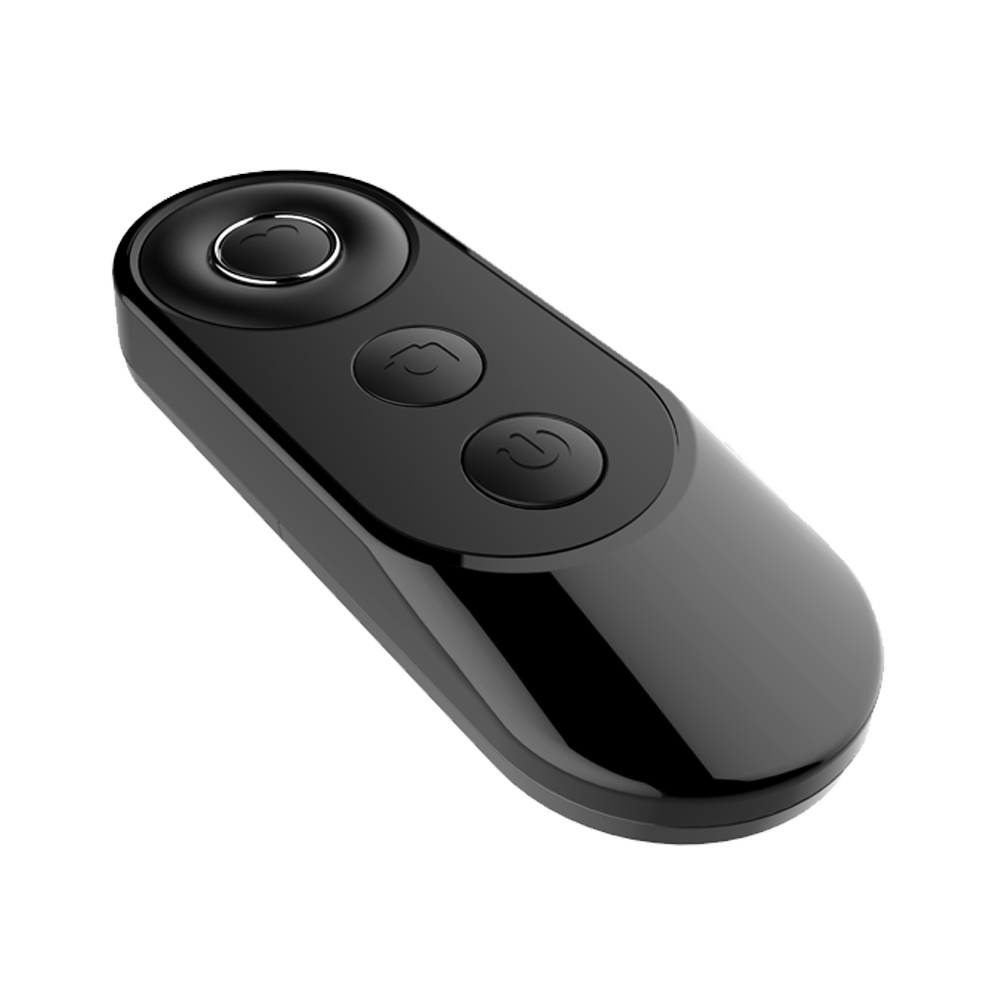
Bluetooth Mouse

Bluetooth Mouse

51 orders
in the last 24h

Wireless — Apple CarPlay & Android Auto

check_circle Video on the go — (YouTube, Netflix, IPTV, etc.)

check_circle Split-screen — Navigation & videos

check_circle Instant-Wake up — Turns on instantly after your car

check_circle 11.4" 60hz Screen — As fast as your smartphone

check_circle 60 FPS Ultra HD Dash Camera — Record your front view

Domestic Shipping
🇧🇬
Speedy Bulgaria
Carrier
Order within the next 1 hour
Get it
Pay on delivery
Available
Easy returns · 90-day guarantee
2 year warranty

RIADITE S DÔVEROU

2-ročná záruka a 90-dňová lehota na vrátenie

ℹ️
Vaša spokojnosť je našou prioritou. Pre váš pokoj ponúkame 2-ročnú záruku na naše obrazovky CarPlay. Nie ste spokojní? Vďaka našej 90-dňovej politike vrátenia môžete produkt vyskúšať bez rizika.

What's in the box?

  • 1 DashNova 11.40" Screen
  • Rear camera (GIFT)
  • Universal Stand (GIFT)
  • Mounting stand
  • AUX cable
  • Cigarette lighter adapter (power supply)
  • User manual
  • Packaging

Technical specifications

  • Operating system: Android 13
  • Display: 11.4″ Ultra HD 4K touchscreen, full color
  • CarPlay/Android Auto: Support (wireless)
  • GPS navigation: Built-in GPS module + external support
  • Features:
    Waterproof design
    Built-in WiFi (Dual WiFi 2.4GHz + 5GHz) 2gb ram + 32gb rom. (Dual-Core)
  • Operating temperature: from -20°C to +70°C
  • Power supply: 12V (suitable for standard cars)
  • SD Card: Support up to 256 GB
  • Packaging and delivery:
    Package size: 35 × 17 × 10 cm
    Weight: 2.0 kg

Shipping and returns

Delivery is made within 1 to 3 business days. If the product does not meet your expectations, you have 90 days to return it. To do this, you can review our Return and Refund Policy or contact us at info@dashnova.eu

Installation and service

How is it installed?

  1. Place the media on the dashboard or windshield with the vacuum mount.
  2. Plug the power cable into the cigarette lighter. The media can also be plugged into the car's USB port.
  3. Connect your phone to the media via Bluetooth – works with both Apple and Android.
  4. Use the built-in speaker , or connect it to your car radio via the included AUX cable , Bluetooth , or the built-in FM transmitter .

And that's it! You now have Apple CarPlay and Android Auto in your car in less than 2 minutes .

In the kit you will find a detailed installation and usage guide.
  • I didn't expect it to be so fast - just like my iPhone. And the split-screen feature is great. I can run the navigation and TV at the same time and the trip becomes much more enjoyable.

    Peter
  • I'm fascinated! I thought it would be complicated, but it connects extremely easily. The navigation starts automatically as soon as I start the car, and with the rear view camera, parking is no longer a stress, but a real pleasure. I recommend it with both hands!

    Misha
  • I wanted to stop using my phone for navigation and this media exceeded all expectations. Android Auto is extremely fast, and I can also watch YouTube, TV and movies. I give 5 stars for the service itself, well deserved!

    Ivan
    View full details
    • Step 1

      Plug into cigarette lighter

      Plug the adapter into the 12V cigarette lighter. If desired, the car's USB/Type C port can also be used, but please note that the required cable is not included in the kit.

    • Step 2

      Connect your phone to the screen

      Activate Bluetooth on DashNova and your phone. Select the device name from the list and confirm pairing.

    • Step 3

      Connect DashNova to your car's audio system

      PerglotScreen has built-in speakers, but for better sound, connect it to your car's audio system via Bluetooth , AUX or FM transmitter - compatible with any car.

    • Step 4

      Connecting to the Internet

      1. Activate Hotspot from your phone settings.
      2. On DashNova, open the Wi-Fi settings and select the name of your hotspot.
      3. Enter the password and connect the device.

      DashNova is perfect for you IF:

      check_circle
      You want TV, Netflix, YouTube, Google Maps, Waze, Disney+ and other apps

      check_circle
      You travel very often

      check_circle
      You have children and family in the car?

      check_circle
      You want to improve your car experience

      Everything you love – all in one device!

      • Wireless and Automatic Connection

        Forget about cables - the device connects quickly and easily to your phone via Bluetooth. So you have navigation, music and calls directly on the screen, and che connection is established automatically every time you get in the car.

      • Split-screen mode

        With this feature, you can use two things at the same time - for example, having navigation on the left and music or video on the right. This is especially convenient on long trips - you can see your route and simultaneously entertain passengers without switching apps back and forth.

      • Access to favorite apps

        Watch YouTube, Netflix, TV, listen to Spotify or navigate with Google Maps, Waze, Apple Maps directly on the car screen – all in one place

      • Multiple audio options

        You can switch between different sound output methods directly from the Audio Output Settings menu: Built-in speaker - sound directly from the screen. Bluetooth (BT Audio) - wireless connection to the car audio system. FM transmitter - tune your device and radio to the same frequency and listen through the speakers. AUX cable - stable connection via 3.5 mm jack for clear and reliable sound.

      • Voice Commands

        Control the device with just your voice via Siri/Google safely and easily, without being distracted from driving.

      • Instant-Wake technology

        Forget about the annoying wait - the built-in battery turns on the screen as soon as you start the car. You get instant access to navigation, music and media right where you left off.

      • Wireless and Automatic Connection

        Forget about cables - the device connects quickly and easily to your phone via Bluetooth. So you have navigation, music and calls directly on the screen, and the connection is established automatically every time you get in the car.

      • Access to favorite apps

        Watch YouTube, Netflix, TV, listen to Spotify or navigate with Google Maps, Waze, Apple Maps directly on the car screen - all in one place

        What makes it better?

          Others
        Wireless connectivity
        Works on the go
        Automatic connection
        Easy setup in 4 steps
        Hands-free control
        Split-screen mode
        Pre-installed streaming apps
        2-year warranty

        35,000+ products sold | 32,000+ Satisfied customers

        • The wide screen is perfect for movies and TV shows while on vacation. Google Maps, Spotify, and Audible run smoothly, and the split-screen capability is great.

          Elena

        • Streaming from Netflix, Prime, or YouTube works great through the phone's hotspot. The picture quality and speed are impressive.

          Nikolai

        • For the price, this is a great premium solution. It's compatible with Apple CarPlay and Android Auto, has plenty of audio options, and even a backup camera input.

          Mikhail

          Frequently Asked Questions

          1. Is the device suitable for my car?

          Yes. The device is universal and can be used in almost any car, truck or even boat. It only needs to have a standard 12V outlet (cigarette lighter) for power.

          2. How is it installed?

          Installation is Plug & Play – simply connect the power cable to the cigarette lighter and place the stand in a convenient location on the dashboard. No service or complicated installations required.

          3. What applications can I use with the device?

          You can enjoy:

          • YouTube
          • Netflix
          • Spotify
          • Waze
          • IPTV - a subscription is required, which can be purchased from us. Watch all channels, even premium ones, movies and series.
          • Google Maps
          • HULU
          • Rumble
          • SiriusXM
          • Disney+
          • CarPlay
          • Android Auto
          • Amazon Prime
          • TikTok Lite

          4. Can I use the device without a phone?

          Yes. Thanks to the built-in Android 13 and WiFi, you can watch YouTube, Netflix or use other apps directly from the device, even without a phone.

          5. How does the device connect to my phone?

          A Bluetooth connection will appear on the car screen. Simply find it in your phone's settings and connect.

          6. Can I use the device with both an iPhone and an Android phone?

          Yes, the device is compatible with both Apple and Android devices.

          7. Will it work if my car doesn't have a modern display or multimedia?

          Yes, that's the idea – the device is an independent screen that works even if your car only has a radio. It doesn't depend on the car's factory system.

          8. If I change my car, will I be able to use it again?

          Of course. The device is portable – you simply remove it from the mount and place it in the new car.

          9. How long does it take to start?

          The device is designed for quick start-up – about 2 seconds after turning on the ignition.

          Didn't find an answer to your question?

          Write to us at info@dashnova.eu — we will respond within 2 hours.